 @mattbeucler3
Teardown: the first 10 seconds of an outbound AI voice call
Last week I wrote that production agents are mostly edge cases. Here's what that looks like on the simplest call we build.
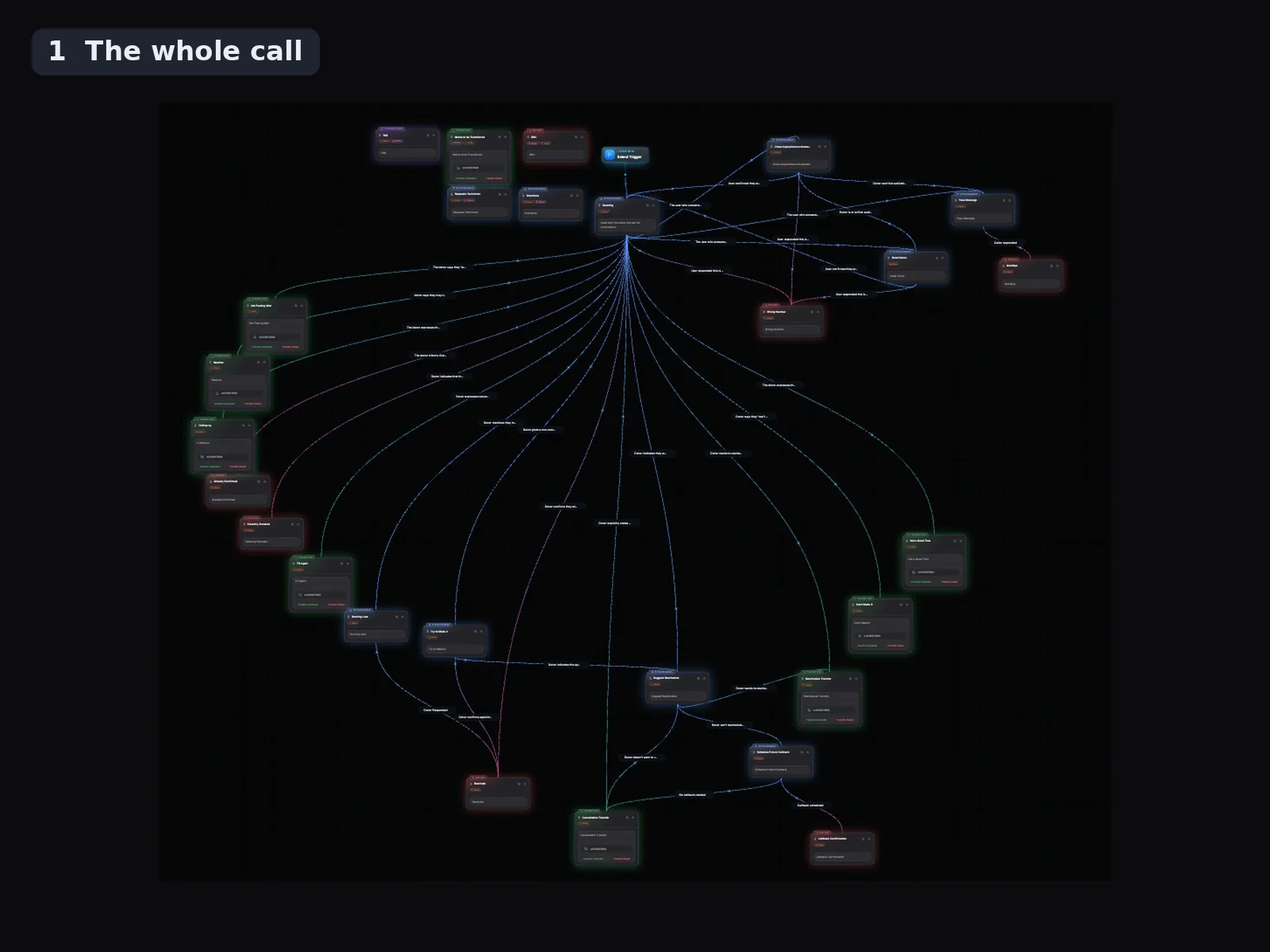
The screenshots are one of our template workflows: a blood-donation appointment confirmation. One job: "Can we still count on you Thursday?" Now count the lines coming out of the Greeting node.
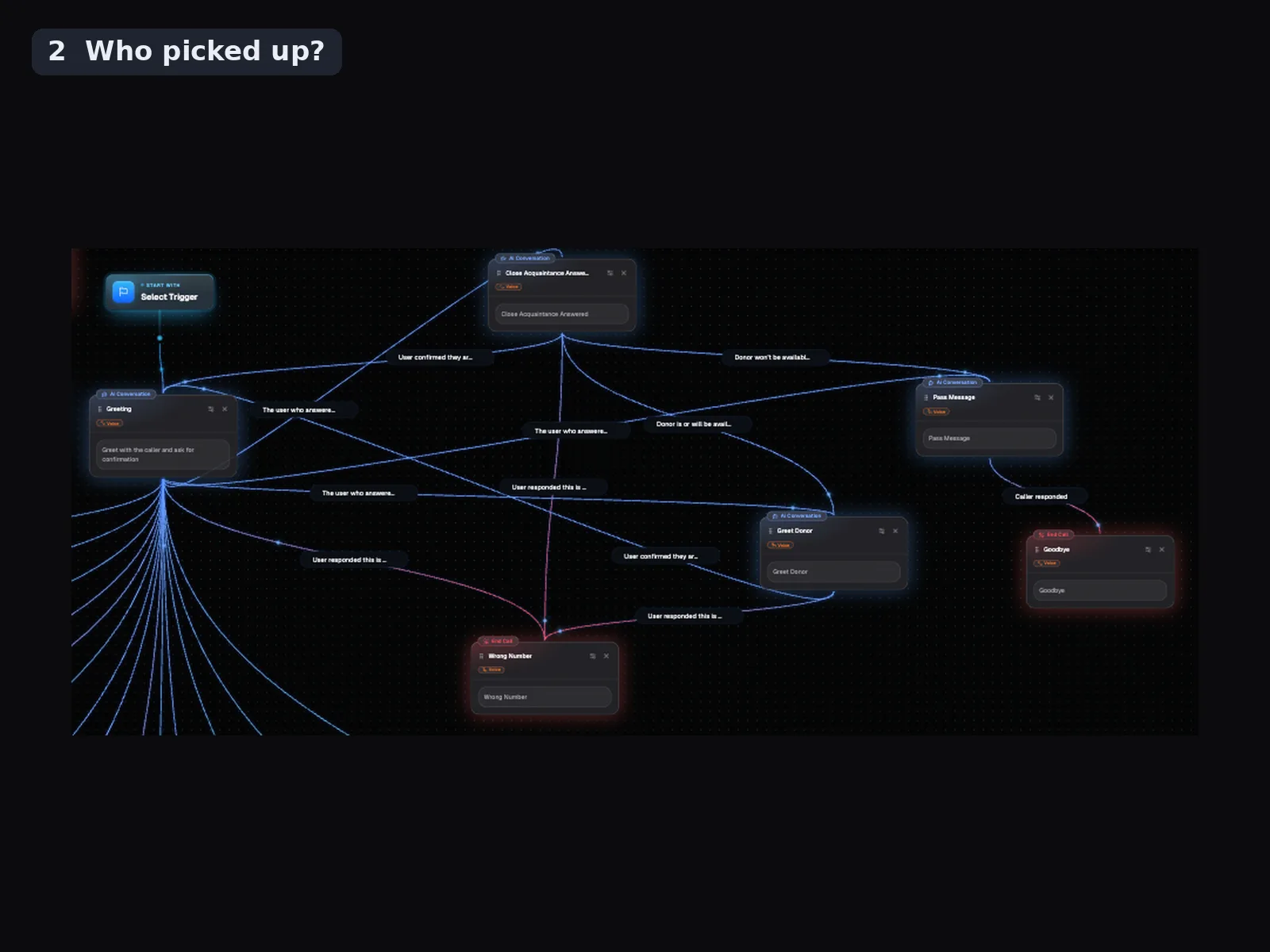
Before the agent asks anything, it has to work out who picked up:
- The right person. Confirm, reschedule, or cancel. That's the happy path, and it's a minority of the branches.
- Someone who knows them. A spouse, a roommate, a parent. The agent can't discuss the appointment, but it can leave a message and ask for a callback. That's the "Close Acquaintance" and "Pass Message" nodes in shot 2.
- A wrong number. Apologize, end the call, mark the record so nobody dials it again. Keep calling a wrong number and you're generating complaints against your own caller ID.
- A voicemail box. Shorter script, nothing sensitive, and a text follow-up right behind it.
- A screener. iOS 26 can pick up unknown numbers for the user and ask the caller for their name and reason for calling. We trained our agent to handle it: it recognizes the screener, states who it is and why it's calling, and leaves a voicemail if that's where the call goes. If the person picks up, it starts a fresh conversation with them instead of finishing its answer to the screener.
Two rules we hold on every call:
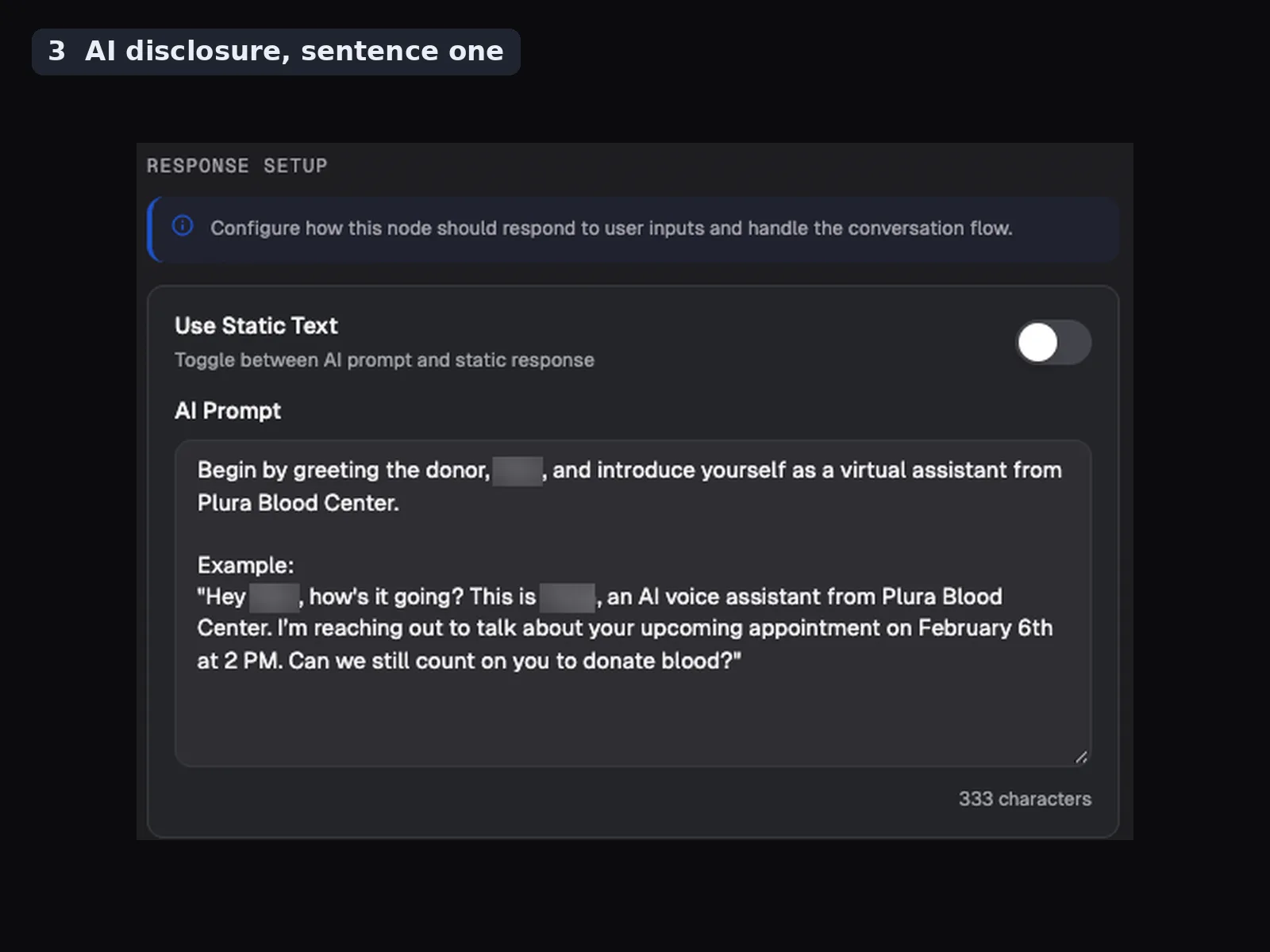
- The agent says it's an AI in the first sentence: "This is [name], an AI voice assistant from..." (shot 3). Utah already requires that up front for licensed professions, and other states have bills moving. Hiding it isn't worth the risk.
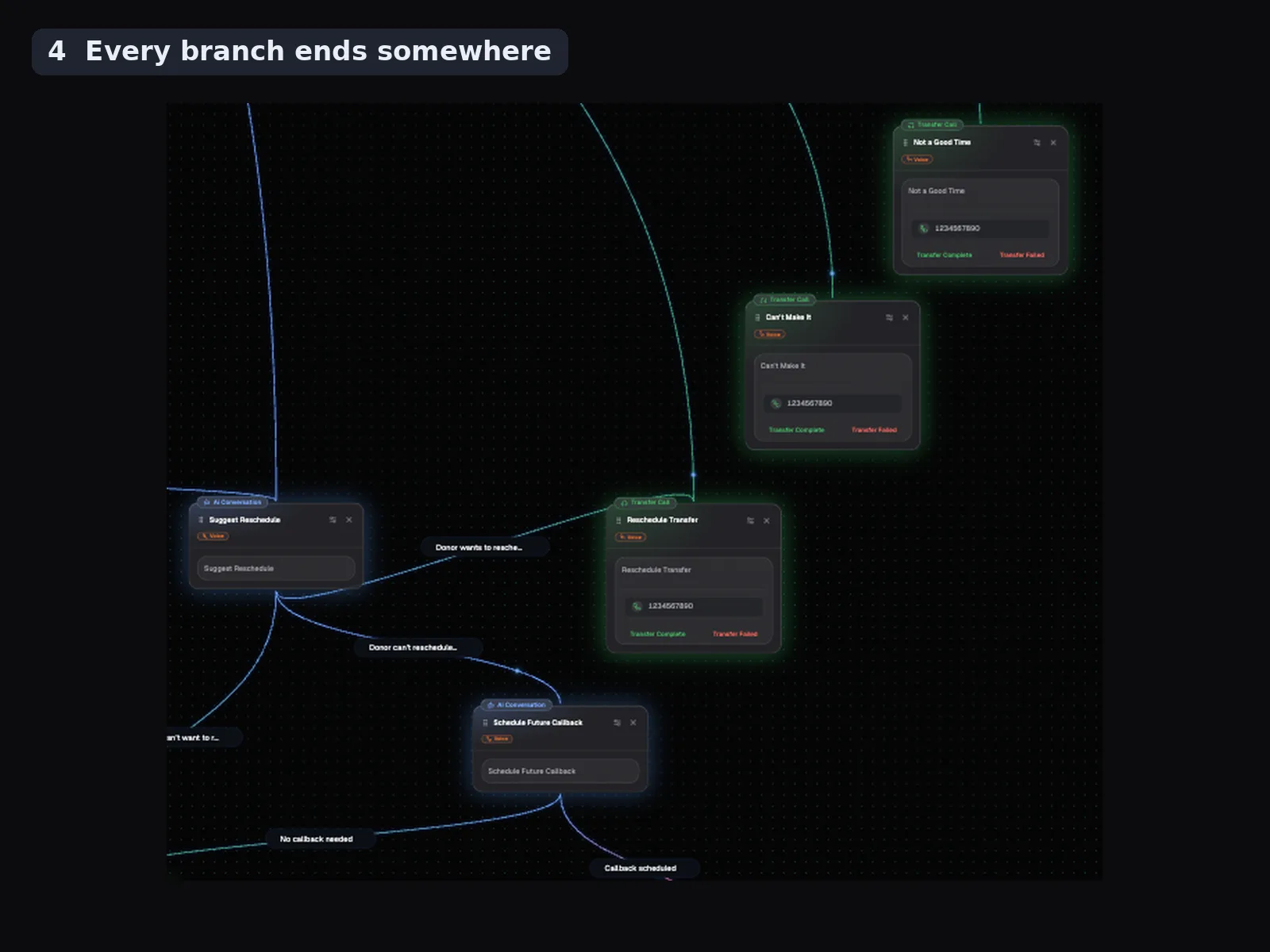
- Every branch ends somewhere. A warm transfer to a human (the green nodes in shot 4), a scheduled callback, or a clean end with the record updated. If the transfer fails, that's its own branch too.
What I'd tell anyone building outbound voice agents: spend your first week on the identity branch, not the pitch. The model handles the conversation fine. What breaks is an agent confidently pitching a teenager, a voicemail box, or Apple's screener.
Question for the builders here: how are you handling the iOS call screener? Detecting it as its own state, or letting it fall through to voicemail logic?










Comments
0 comments