 @madeinplutofabio4
Uncovered: What you REALLY need to know about ChatGPT Wallet
ChatGPT Wallet's Face ID check doesn't confirm what you're buying, just what your agent thinks you're buying. I read OpenAI's Wallet help article and terms in full and this is what they say, and what they leave open.
This is how it works
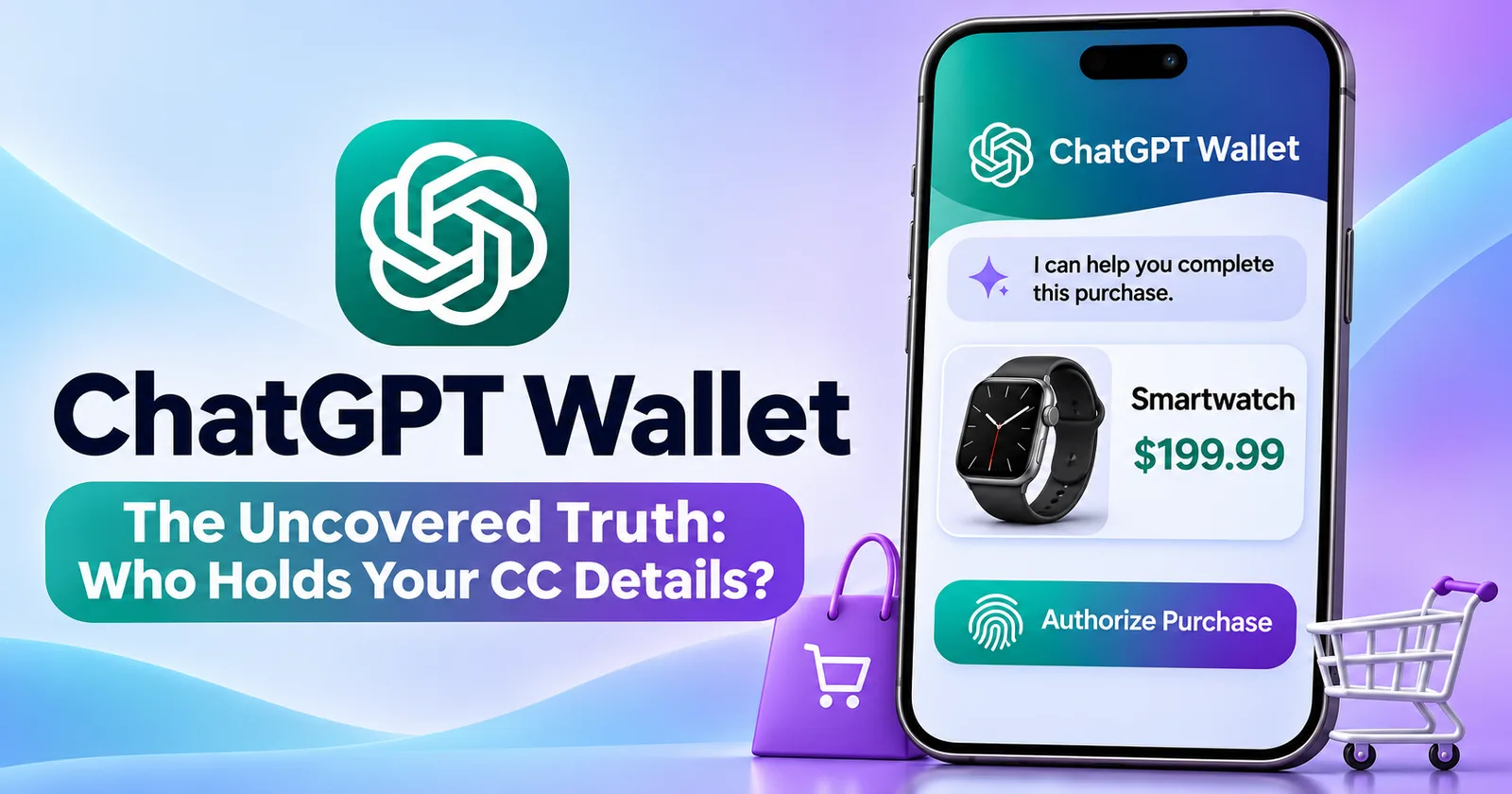
Your agent browses, picks the item and fills in the shop's checkout. Before anything is submitted, Wallet shows you "the purchase details available to it": merchant, items, total or maximum price, card, and whether the purchase creates a recurring charge. You approve with Face ID or Touch ID.
That's a solid design. Your approval is limited to what's on that screen, and if a material detail changes before submission, Wallet has to ask you again.
But note the words "available to it". The agent builds that screen from what it read, meaning that if a web page misleads the agent, the screen can be wrong in exactly the same way. I couldn't find a single published independent test of this yet.
Five things I'd think through before using it:
1 - The convenience paradox. The safe-use advice is to read the seller's name, check for recurring terms, and confirm the order before retrying. That's exactly the work you wanted the agent to do for you. If you do it all, Wallet saves you little time. If you don't, the Face ID tap is a formality. Most people will end up somewhere in between, so the guarantees behind that screen matter more than the tap itself.
2 - Face ID checks the face of the phone's owner, not the account's owner. Your face never leaves your phone; OpenAI only learns that the check passed. So an attacker doesn't need to fake your face. If they get into your ChatGPT account, they can sign in on their own phone and pass Face ID with their own face. The help article says you can continue an approval on "a supported device signed in to the same ChatGPT account". It doesn't say whether that device has to be one you registered beforehand. Nothing I read makes two-factor sign-in mandatory for Wallet users; the terms say OpenAI "may require" a passkey or device confirmation. So if someone gets into your ChatGPT account, what stops them approving from their own phone? The documents don't say. Until they do, protect the account like a bank login: turn on a passkey or two-factor sign-in.
3 - Per-purchase approval is the launch setting. The terms already let you "grant ChatGPT the authority to approve each purchase in advance". Once that's available, there's no human check at the moment of purchase. And if your own AI agent is the one instructing ChatGPT, whatever your agent reads, including a malicious web page, flows straight into a purchase.
4 - This one is huge, for me: you don't know who holds your card number. OpenAI says it never receives your full card number or security code. That's good design. They go to "our service provider", and the Wallet documents don't say who that is. The provider keeps your card data under its own contract with OpenAI and under card-network rules, and removing the card from Wallet doesn't change that. So if that provider is breached, changes its practices, or you want your data deleted, you can't contact it, because you don't know who it is. You're asked to hand your card to a company you can't name. Naming it would cost OpenAI one line.
5 - OpenAI never sees your card number. It does see your shopping. OpenAI records what you bought, from whom, how much you paid, where it was delivered, which device approved it, and every request you approved or rejected. The privacy notice says some Wallet information is "also covered under the OpenAI Privacy Policy and used for other OpenAI services". It neither says nor rules out that purchase data is used to train models. Your shopping conversations with the agent are ordinary ChatGPT chats, and your Data Controls settings apply to them. Removing a card doesn't delete any of these records. If you don't want your shopping chats used for model training, turn that off in Data Controls before your first purchase.
Two details from the documents that most coverage missed:
1 - Approving a subscription means "the merchant may store the payment credential and charge it again". To cancel, you contact the merchant, not OpenAI.
2 - "Ready to check out" means your approval is done., but it "does not confirm that the merchant has placed your order". If checkout stalls, check for the merchant's confirmation before trying again.
None of this means Wallet is unsafe, but the convenience and the safety come from different places, and right now the documents explain the safety part only partly. Which, personally, will make me skip it for now.











Comments
0 comments